Chrome has been a dog lately. Opening Gmail has been like watching paint dry with that little blue progress bar seemingly stuck forever between just getting started and not quite done. I vaguely recall some advice a while back about extensions being the known culprit in one or two Chrome slow down cases so today I decided to go Nuclear and delete almost all of my installed extensions.
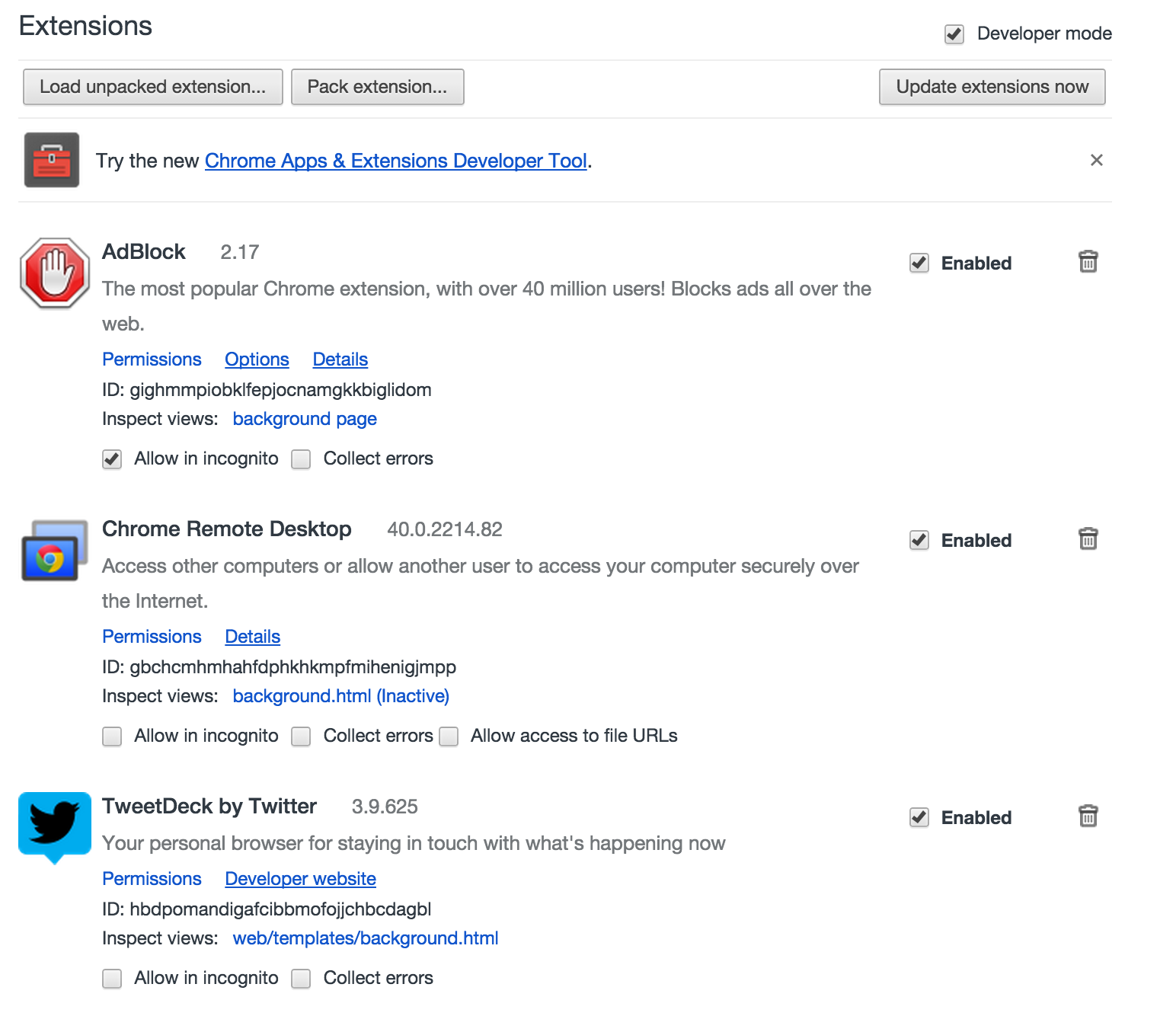
Yes, I could have patiently disabled one at a time, closed Chrome, and relaunched Chrome until I found the bastard slowing me down but who has time for that? Instead, I removed all but the three extensions I actually use and just like that, Chrome+gmail was lighting fast again! Drive loads without me having to hit refresh multiple times and I’m able to click through the Google+ menu within seconds of opening it up in a new tab. It’s been like what a Windows computer used to feel like after an OS reformat. Good as new.
I don’t think I’ll miss any of the extensions I deleted, but if I do, I’ll be adding them back in one at a time and seeing if Chrome goes the way of molasses again.


 There is no box
Leave a reply to Urko Masse Cancel reply